Photos don't arrive as tidy vector art: grain, lens flare and busy backgrounds turn into thousands of tiny regions. PLAyered boils a picture down to a handful of printable colors so it can become one multicolor print.
Off the anvil
What it actually looks like today. Captions say exactly what each image is.
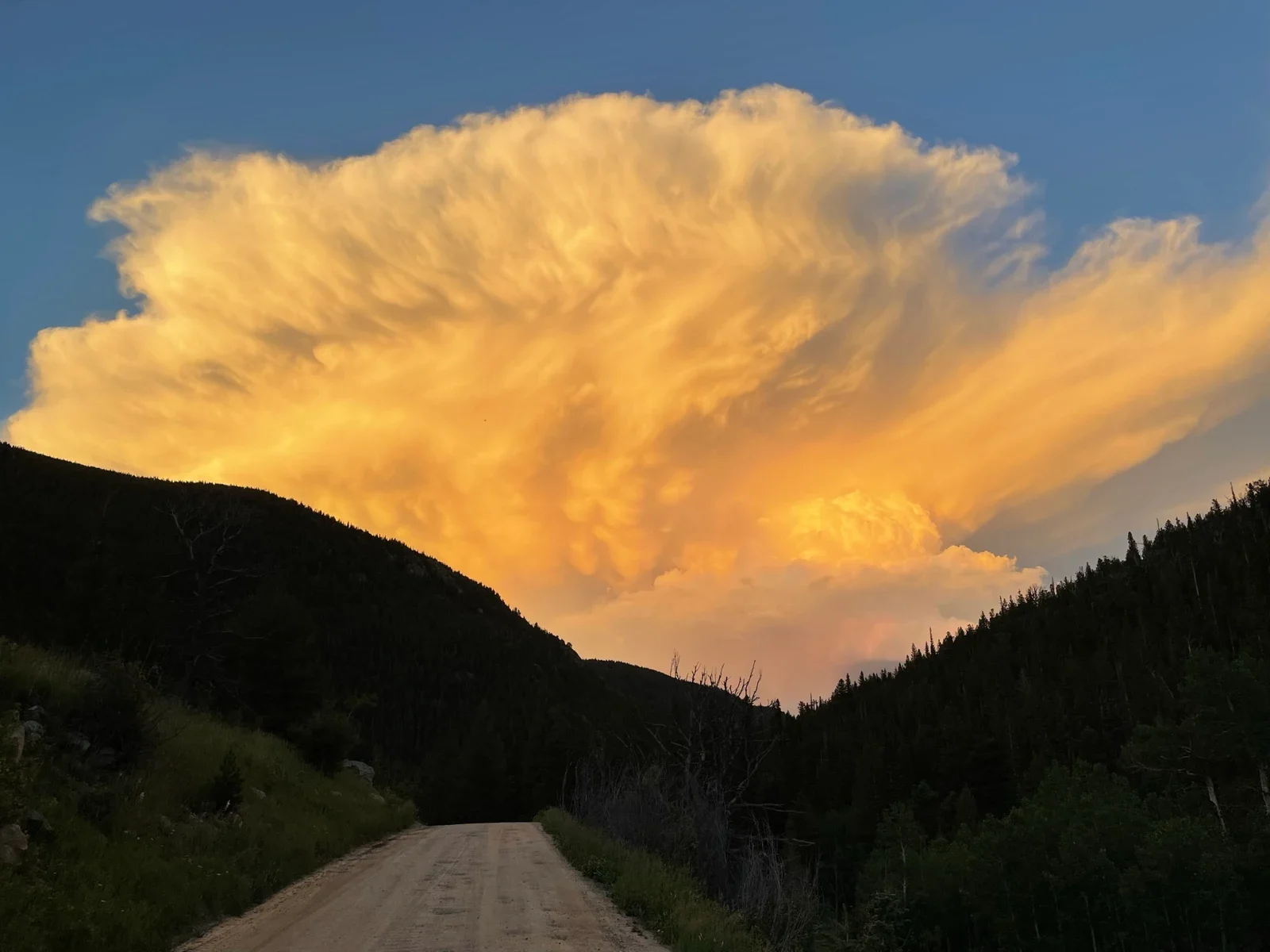
Source photo: a golden thunderhead over a dark ridge (the maker's own photo).→
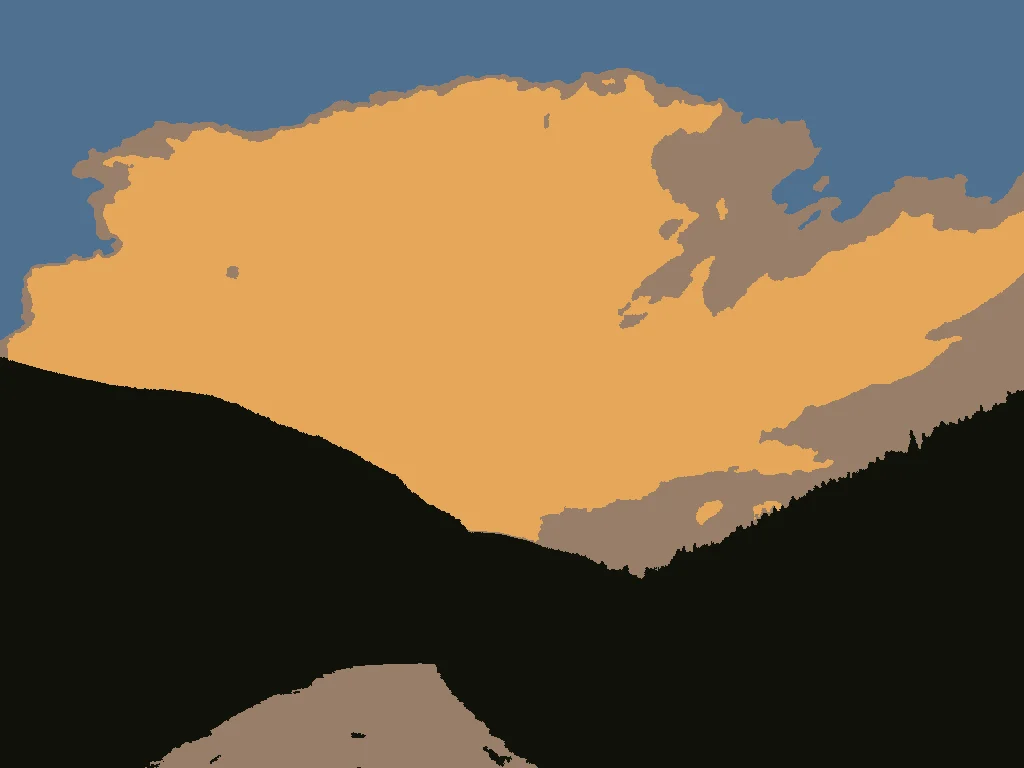
Actual app output at the image-preview stage: the same photo reduced to 4 colors (Balanced). Not a photo of a print.
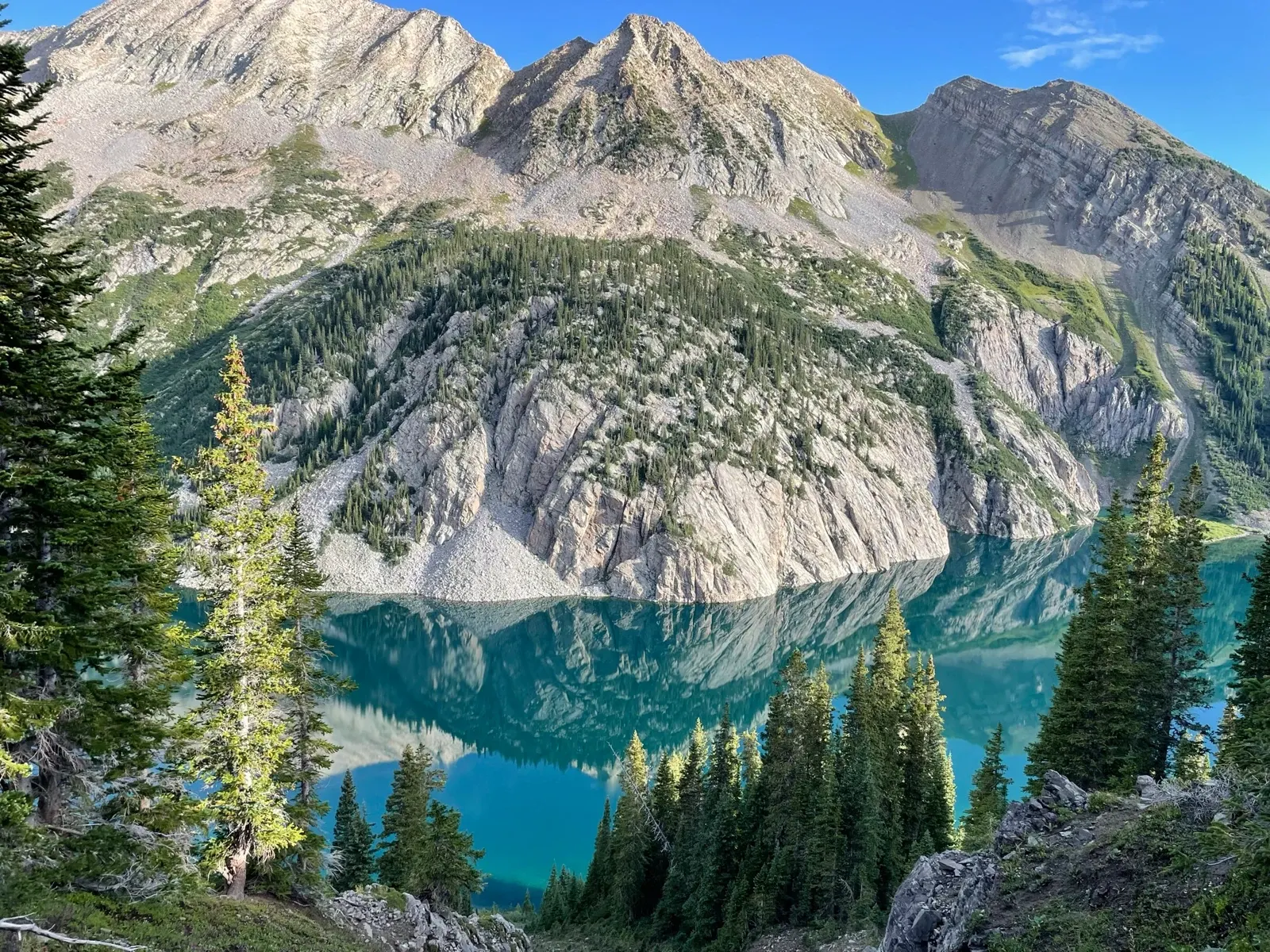
Source photo: turquoise alpine lake beneath granite peaks (the maker's own photo).→
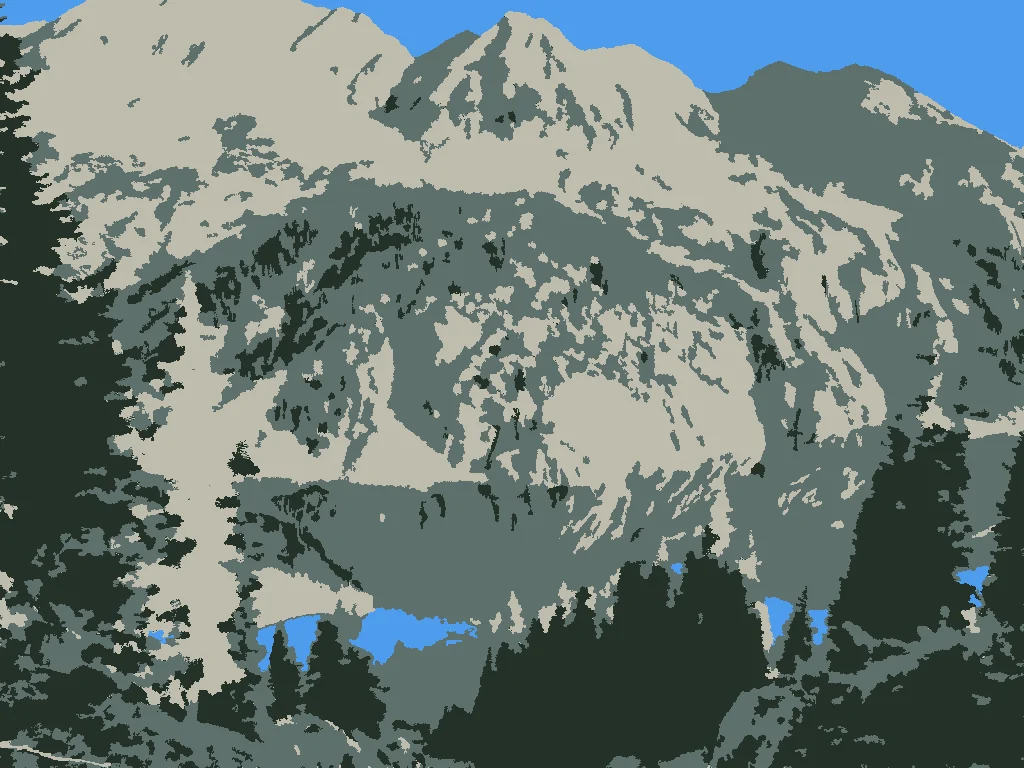
Actual app output at the image-preview stage: 4-color Balanced version, 1,292 regions. Not a photo of a print.
The forging
macOS · for Bambu Lab printers
What it does
Takes a photo, drawing or logo (PNG, JPEG or WebP), crops it and gives it a real size in millimetres.
Reduces it to 2–8 colors, merges specks and smooths jagged edges, with side-by-side comparison as you go.
Builds a multicolor 3MF of flat artwork with a little depth. Your printer swaps filament for each color.
Checks the geometry and runs a real Bambu Studio slice before handing you the file.
How it's made
A local Mac app. Import, cleanup, preview, geometry and export all run on your Mac, with no account and no API key.
Output opens in Bambu Studio like any other project. You pick your Bambu Lab printer, nozzle and filament there.
Cleanup is tuned to a printability profile (minimum island size, hole size, smoothing radius) so details are ones a 0.4 mm nozzle can actually print.
Tag
In the fire
In development. It works locally, and a public Mac release and the playered.art site are being prepared. The site wasn't reachable on 2026-09-24, and there's no download yet.