Family photos live on phones. InstaPi puts them on a frame that anyone in the family can add to, with no app, no account, no cloud service and no subscription.
Off the anvil
What it actually looks like today. Captions say exactly what each image is.
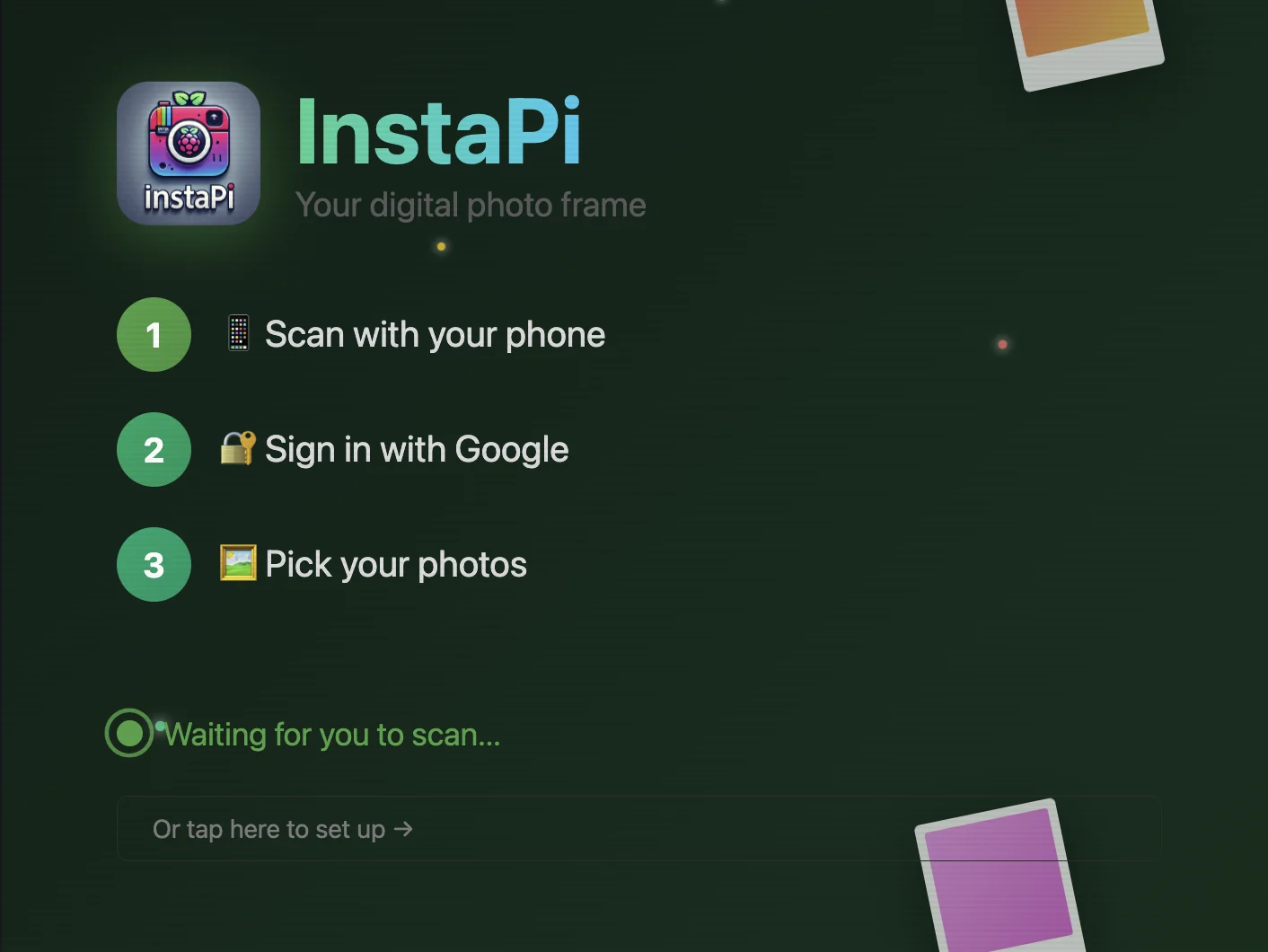
The frame's first-boot screen: 'Scan with your phone, Sign in with Google, Pick your photos.' (Cropped from the right half of the asset. The left half is blank in the source file.)
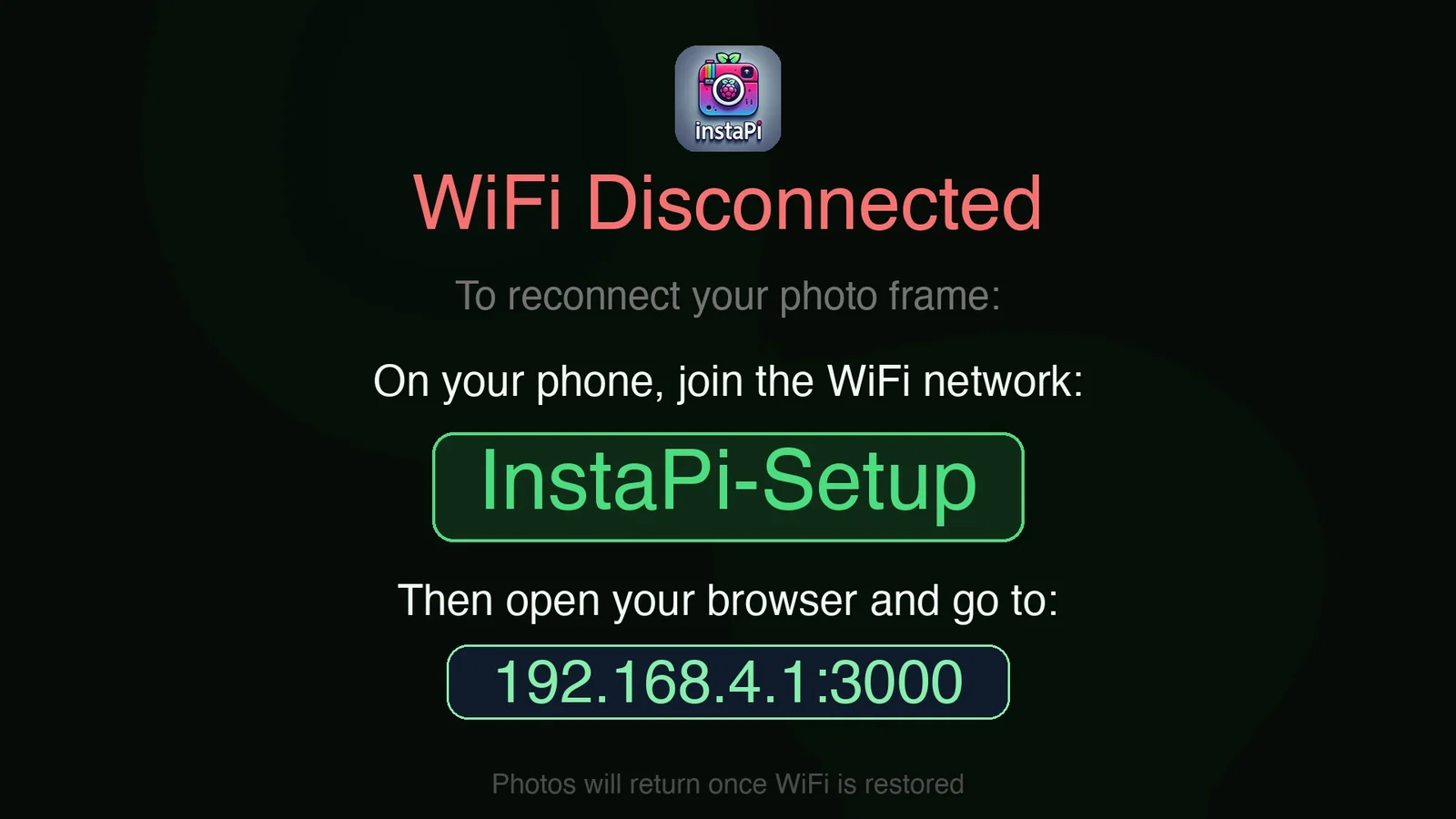
The on-frame Wi-Fi recovery screen: join 'InstaPi-Setup', then go to 192.168.4.1:3000.
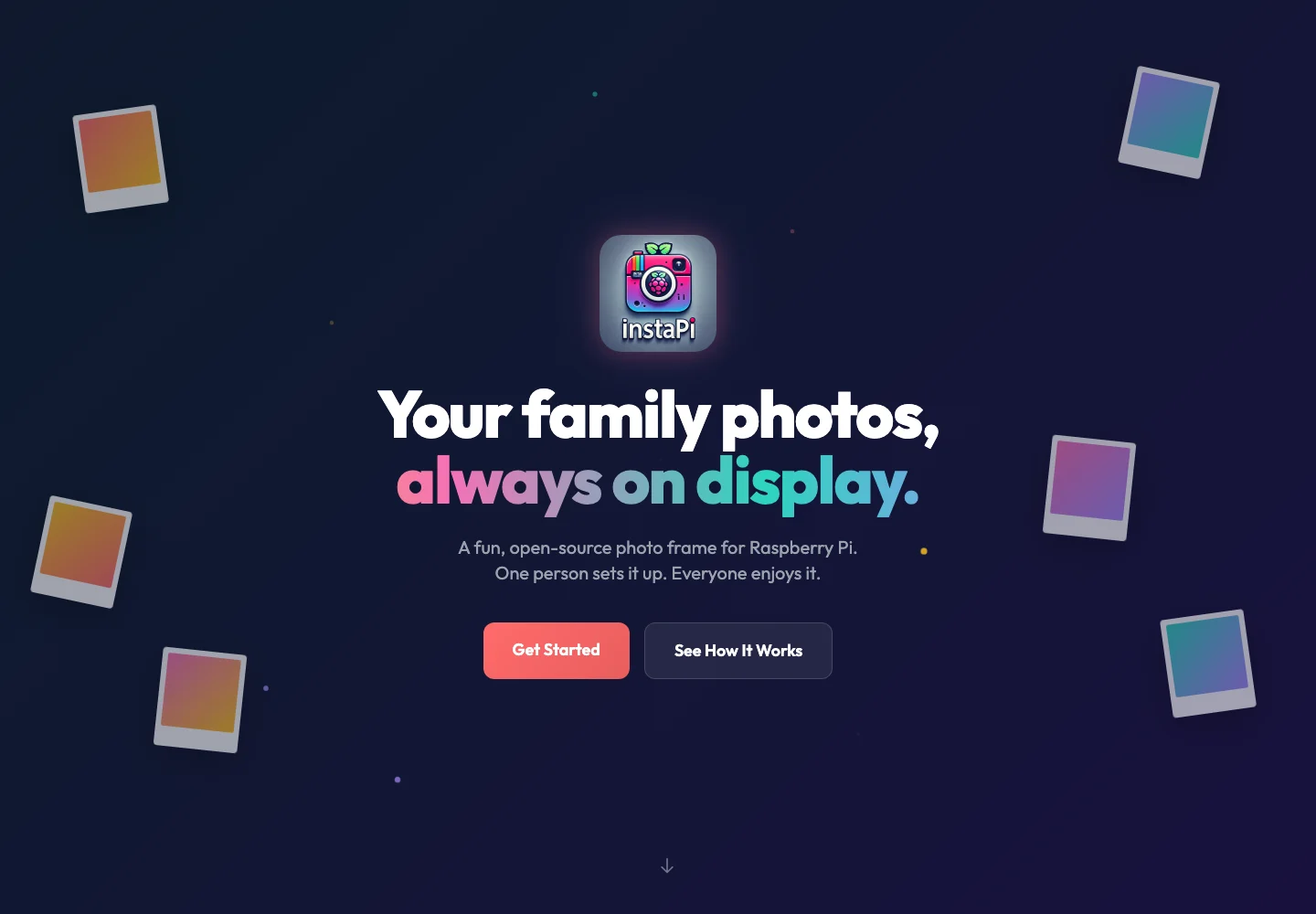
instapi.dev hero: 'Your family photos, always on display.'
The forging
Raspberry Pi
What it does
Family members scan a QR code or open a shared link and pick photos from their camera roll. It works with any phone and any photo service.
Multi-frame family sync: one host frame holds the library, and child frames pull new photos every 30 minutes (configurable from 5 to 120 minutes).
Two display modes: USB for any photo frame with a USB port, or HDMI for a slideshow on any TV or monitor.
A phone-friendly admin panel for photos, slideshow settings (fade, slide, zoom, Ken Burns), sync and one-tap updates.
How it's made
Python and Flask on a Raspberry Pi, with SQLite for settings and metadata. Photos stay as files on the Pi.
Child frames compare an MD5 manifest with the host and download only new or changed photos.
A watchdog checks services every 5 minutes and restarts anything that's down. Installing takes one curl command.
Tag
Ready
Open source (MIT). Installs on a Raspberry Pi with the one-line setup script. There are no GitHub releases, and you install from the main branch.